Output designs
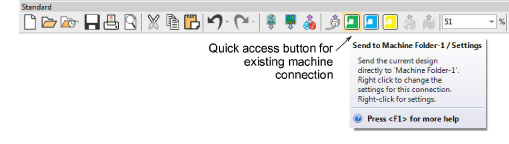
EmbroideryStudio supports various machine models. Some can be connected by cable directly to your PC via the USB port. Older-style machines do not support direct connection but they do read ATA PC cards and/or USB memory sticks.
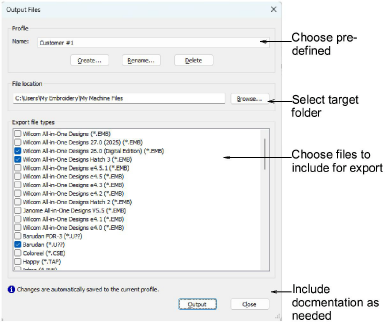
The Output Files tool prepares production-ready outputs from your design in one step using a saved output profile. A profile can include machine files – one or many formats at once – design files (EMB), and print and/or save production worksheets to PDF. Set a target destination in the profile or choose at run time. From Design Explorer you can batch-convert multiple selected designs to many machine file formats such as DST, EXP, SEW.
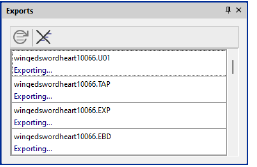
Exports docker
The Exports toggle opens the Exports docker. This allows you to view the export status of the current session. Conversion to older formats or machine file is performed as a background task.
Related topics...
3Machine Files
3Output selected designs to multiple formats
3Output current design to multiple formats
3Sending designs to machine
3Exporting designs for machine