|
Use Traditional Digitizing > Complex Fill to digitize filled shapes with a single stitch angle. Right-click for settings. |
|
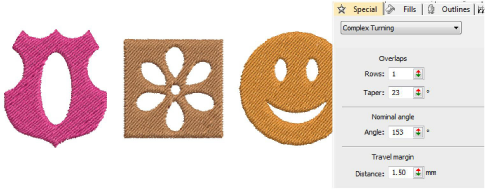
Use Traditional Digitizing > Complex Turning to digitize filled shapes with turning stitch angles. Right-click for settings. |
Digitize free-form shapes with Complex Fill or with Complex Turning. The method is essentially the same:
Digitize the shape
Define entry and exit points
Define stitch angle/s. Complex Turning lets you create multiple stitch angles.
The Object Properties > Special > Complex Fill tab lets you specify values for complex shapes with fixed stitch angles. The Special > Complex Turning tab lets you specify values for complex shapes with turning stitches.