Patterned stitching
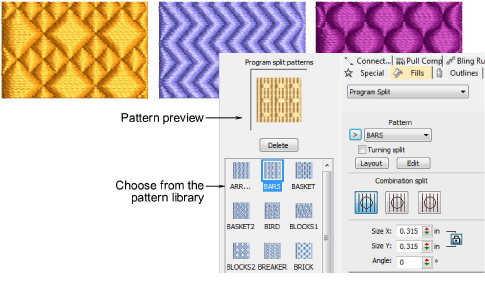
Program Split is a decorative fill stitch where needle penetrations form a tiled pattern. A wide variety of patterns is available from the Object Properties docker. Settings can be accessed via Object Properties > Outlines and Object Properties > Fills tabs.
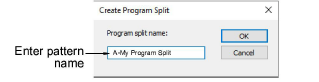
The Create Program Split dialog lets you create and edit your own patterns to use in program split fills.
Related topics...
3Access object properties
3Patterned stitching
3Creating textures with program splits
3Apply program splits
3Apply combination splits
3Program split settings
3Lay out program splits on-screen
3Make split patterns