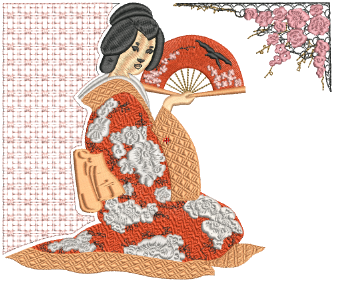
Program Split is a decorative fill and outline technique where needle penetrations form repeating tiled patterns. It allows you to create rich surface textures using predefined split patterns or your own custom designs. Program Split can be applied to a wide range of object types, including fills, borders, and columns, and can be edited both before and after application via on-screen controls or object properties.
You can choose from different stitch structure combinations – Satin-in-Satin, Satin-in-Tatami, or Tatami-in-Tatami – depending on the desired texture and coverage. These options help avoid gaps, jumps, or unwanted background exposure when patterns do not overlap.
3Lay out program splits on-screen
Products
EmbroideryStudio Add-ons
Solutions
Learning
Support
Connect
About Wilcom
