
Use Graphics Digitizing > Continue Digitizing to continue digitizing selected objects from the exit point. Right-click object to continue from the entry point.
|
|
Use Graphics Digitizing > Continue Digitizing to continue digitizing selected objects from the exit point. Right-click object to continue from the entry point. |
EmbroideryStudio now lets you continue adding sections to the same object after pressing Enter. This technique is ideal for satin columns – Column A/B/C – or long runs where you need to stop and re-aim around corners or detail, yet keep it one editable object for smooth joins.
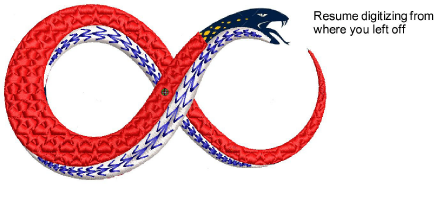
To resume digitizing without starting over, simply click the Continue Digitizing tool. By default, digitizing resumes from the exit point.
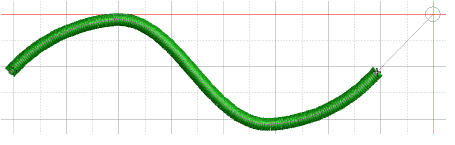
To continue from the entry point, right-click the tool instead. Press Enter to complete the object or Esc to cancel.
3Seamless joins: Extending one object avoids unwanted gaps and overlaps, improving stitch flow and machine efficiency.
3Consistent properties: Because it remains a single object, global changes – e.g. satin width or underlay – apply uniformly, reducing rework.
3Cleaner workspace: Fewer objects keep the Color-Object List tidy and easier to manage.
Products
EmbroideryStudio Add-ons
Solutions
Learning
Support
Connect
About Wilcom
