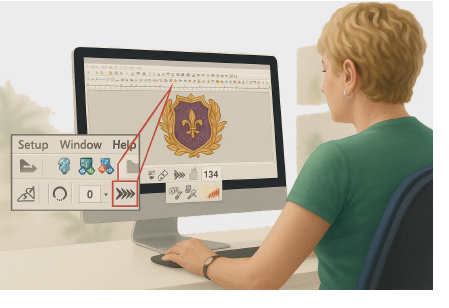
Modern embroidery production relies on connected and automated workflows. EmbroideryStudio lets you send designs directly to supported embroidery machines over your local network. Depending on the machine, connections can use built-in Wi-Fi, Ethernet, or a Wilcom EmbroideryConnect device. This eliminates the need to copy designs manually to USB drives.
Design transfer is managed by the EmbroideryHub application, which is included with EmbroideryStudio. Key features include:
3Support for Wi-Fi, Ethernet, and EmbroideryConnect connections
3Automatic discovery of supported machines and EmbroideryConnect devices
3Automatic conversion to the required machine file format
3Direct design transfer to one or more machines
3Optional barcode scanning for design selection and queued production
3Centralized management of machines and design transfers.
3Transferring files to machine
3Transferring files with EmbroideryConnect
3Accessing designs on EmbroideryConnect
3Managing EmbroideryConnect settings
3EmbroideryConnect troubleshooting
Products
EmbroideryStudio Add-ons
Solutions
Learning
Support
Connect
About Wilcom
