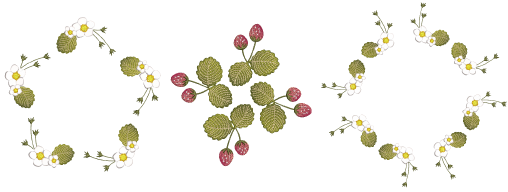
The Mirror Merge tools allow you to duplicate and transform selected objects, as well as merge them into a single object. Use them to create wreaths or decorative borders. Or use them to create perfectly symmetrical objects. Color blocks are automatically resequenced to minimize unnecessary color changes.
3Press Shift to disable Auto-Scroll while using Mirror Merge.
3Color blocks are automatically resequenced to minimize unnecessary color changes.
3If the duplicates overlap the original, you are prompted to merge objects.
3Use the Snap to Grid option as preferred. Reference points, control points or leading edges of objects snap to grid during digitizing, sizing, reshaping, or positioning operations. See Grid, ruler, & guide display options for details.
3Use the Array tool to create multiple copies of designs, such as badges, spaced in rows and columns for faster stitchouts. Color blocks are automatically resequenced to minimize unnecessary color changes. See Creating design arrays for details.
3Mirror selections horizontally & vertically
Products
EmbroideryStudio Add-ons
Solutions
Learning
Support
Connect
About Wilcom
