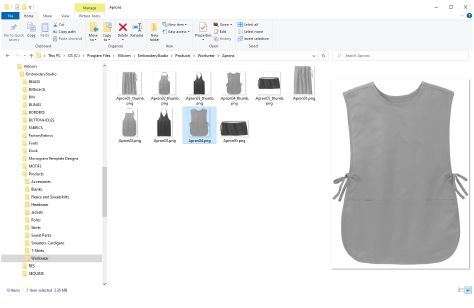
EmbroideryStudio allows you to create files or ‘assets’ of various kinds during normal use. The most important of these are your actual embroidery designs. But there are other assets you may create, such as design templates, custom motifs and fonts, etc. These are preserved from installation to installation, whether installing a new version of EmbroideryStudio or a software update.
It’s a good idea to familiarize yourself with the locations and file names of your custom assets for various reasons...
3In the first instance, you should back up your custom assets in case of computer crash.
3Also, you may want to share custom assets with other EmbroideryStudio users, or install third-party assets such as custom fonts.
3Finally, if you want to install your software to a new computer, you will need to manually copy the contents of your custom assets to the new installation.
Tip: If you are installing your existing setup to a new PC, it’s a good idea to create a single ZIP file of all your custom data and pre-install it to the new computer before installing EmbroideryStudio.
Products
EmbroideryStudio Add-ons
Solutions
Learning
Support
Connect
About Wilcom
