Patterned Stitching
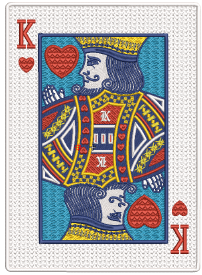 EmbroideryStudio provides tools for creating patterns with needle penetrations. Apply offset fractions or partition lines to tatami fills for a variety of split-line effects. Alternatively, use Program Split to create decorative fills from predefined patterns. Select from the library or create your own.
Make your own patterns to use in program split fills. Create patterns from the outlines of embroidery objects or from drawing objects. Patterns you create can also be used for Flexi Split effects.
The Carving Stamp feature allows you to define patterns using a ‘carving stamp’ as a template. Use it also to create your own split lines when you want to add detail to filled objects.
This section explains how to create textures with tatami offsets and program splits. Create your own and add them to a custom library. Creating stitch patterns with carving stamps is covered as well as adding details with user-defined splits.
Related topics...
3Creating textures with tatami offsets
3Creating textures with program splits
3Creating patterns with custom splits
3Creating patterns with carving stamps
