
Use Standard > Send to Device/Machine to send the current design to a named embroidery machine via WLAN.
|
|
Use Standard > Send to Device/Machine to send the current design to a named embroidery machine via WLAN. |
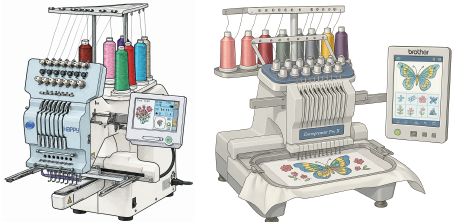
EmbroideryStudio lets you send embroidery designs directly to supported embroidery machines across your local network. Depending on the machine model, designs are transferred via Wi-Fi or Ethernet using the EmbroideryHub application.
Note: Every design sent over the network is protected with industry-standard encryption. Your work stays safe during transfer.
3Transferring files to machine
Products
EmbroideryStudio Add-ons
Solutions
Learning
Support
Connect
About Wilcom
