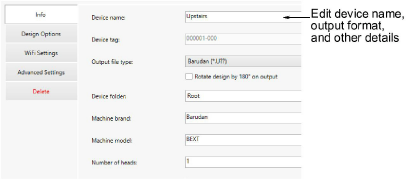
Use the Info tab to modify details provided during the setup procedure. Here you can change machine or device name, output file type, and other details...
Tip: Use ‘Rotate design by 180° on output’ to auto-rotate the design on output. If the machine is dedicated for cap designs, tick this option.
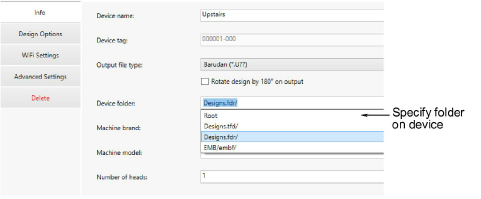
Sometimes you may need to specify a folder on the device which is different to the ‘root’. Different machines have different requirements. These will be the same as the requirements for sending a design via a USB stick. Make sure you include a ‘slash’ (/) at the end.
Products
EmbroideryStudio Add-ons
Solutions
Learning
Support
Connect
About Wilcom
