
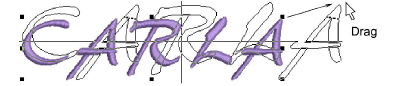
Use Select > Select to scale lettering objects on screen.

|
|
Use Select > Select to scale lettering objects on screen. |
|
|
You can scale your lettering objects vertically, horizontally and proportionally with the Select tool. You can scale your lettering objects vertically, horizontally and proportionally with the Reshape tool.
1Click Select and select the lettering object.
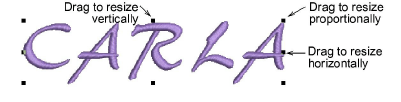
2Click-and-drag one of the selection handles to resize the object horizontally, vertically or proportionally.
1Alternatively, click Reshape.
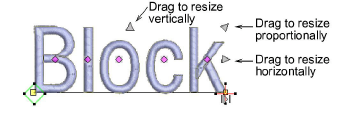
2Click-and-drag one of the dark triangular control points to resize the object horizontally, vertically or proportionally.
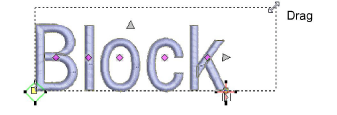
3Release the mouse to complete and press Esc.
3Reshaping & Splitting Objects
Products
EmbroideryStudio Add-ons
Solutions
Learning
Support
Connect
About Wilcom
