
Use Toolbox > Lettering to add special characters and symbols. Right-click to select lettering options.
|
|
Use Toolbox > Lettering to add special characters and symbols. Right-click to select lettering options. |
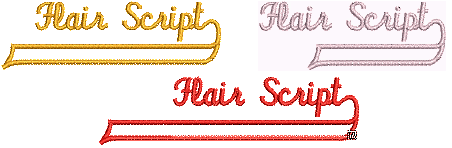
Flair script is a special font which allows you to add decorative flourishes to the end of text objects, mimicking flamboyant handwriting.
1Right-click the Lettering icon to access object properties.
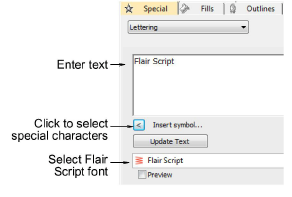
2Select Flair Script from the Font list.
3Enter the text you want to embroider in the text entry panel.
4Click Insert Symbol.
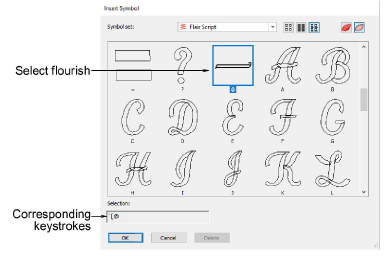
5Select the flourish you want to use. Scroll down for more options.
6Click OK to close the dialog. The selected characters are displayed in the text entry panel.
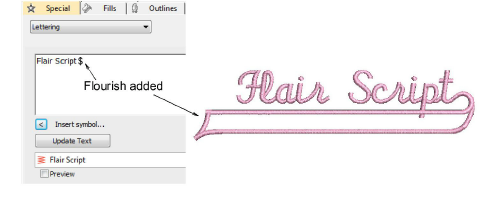
7Adjust lettering settings as required and click OK.
8Click an insertion point or mark reference points for the selected baseline.
9Press Enter.
3There are flourishes of different lengths according to the number of characters in the lettering and whether or not they contain descenders.
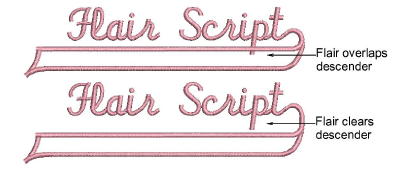
3Experiment with different flourishes to obtain the look you want.
Products
EmbroideryStudio Add-ons
Solutions
Learning
Support
Connect
About Wilcom
