|
|
Use Edit > Auto Select to change the color and/or stitch type of selected stitch blocks. |
You can change the color and/or stitch type of selected stitch blocks at any time.
1Use Auto Select to select the stitch block/s.
Tip: Hold down Ctrl to select multiple blocks.
2Change color and/or stitch type as required:
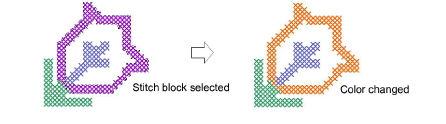
Select a new color from the palette. The color fills the selected area/s. The area remains selected.
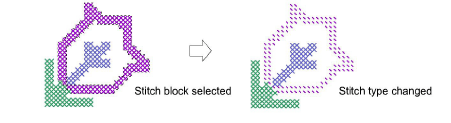
Select a new stitch type from the Stitch toolbar. The stitch type fills the selected area/s.
3Press Esc to deselect the selected area/s.
|
Copyright ©2024 Wilcom Pty Ltd | Terms of Use | Privacy Policy |